· The SleepGrids Team · Habit Tracking · 10 min read
How to Track Sleep Without a Wearable — The Manual Logging Advantage
Track sleep quality accurately without wearables. Learn what manual logging captures that devices miss, and how to spot your sleep-habit patterns.
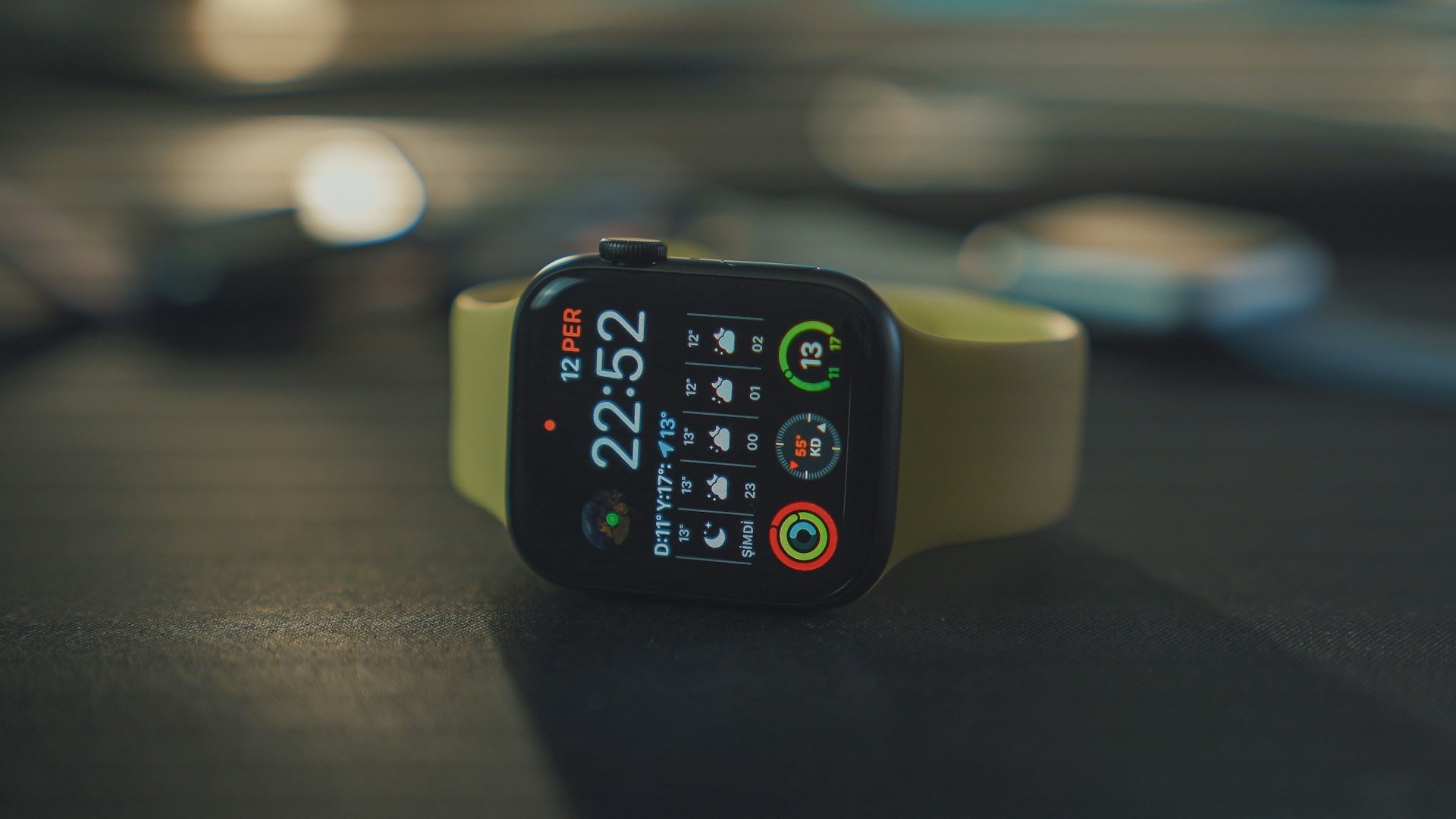
How to Track Sleep Without a Wearable — The Manual Logging Advantage
You don’t need a $300 smartwatch to understand your sleep. In fact, manual sleep logging often reveals patterns that wearables miss entirely. This is because wearables measure what’s easy to detect (movement, heart rate) but not what matters most: how you actually felt.
This guide explains what manual logging captures, why it’s powerful, and exactly how to build the logging habit so it becomes automatic.
What Wearables Actually Measure (and Where They Fall Short)
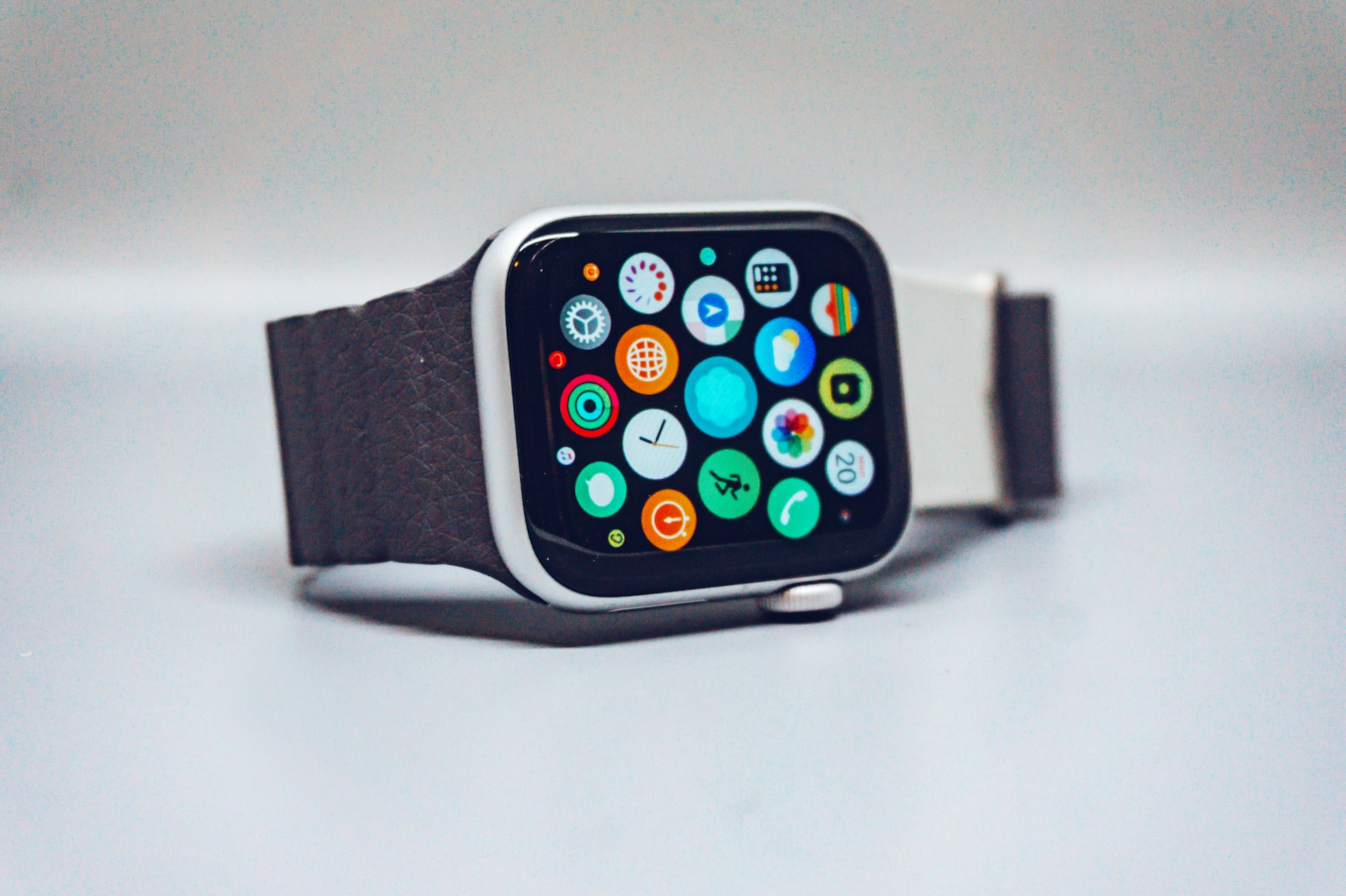
A smartwatch or sleep ring measures proxy signals for sleep: movement, heart rate variability, skin temperature, even blood oxygen. Using these signals, algorithms estimate your sleep stages—light, deep, REM.
The problem: these estimates are educated guesses, not measurements. A wearable might tell you that you got 2 hours of deep sleep last night. But it can’t directly measure your slow-wave (deep) sleep. It infers it based on heart rate patterns and stillness. If your heart rate was artificially low (medications, fitness level) or you were very still but actually awake, the algorithm gets it wrong.
More importantly, wearables can’t measure your subjective experience—how you felt when you woke up. A wearable might detect zero fragmentation and 7.5 hours of sleep, but if you woke because of stress-induced racing thoughts and felt exhausted, the device has no way to know. It rates your night as “good” based on movement data alone. Meanwhile, you’re exhausted.
Research from the American Academy of Sleep Medicine has found that wearable sleep stage estimates are often inaccurate compared to laboratory polysomnography (the gold standard). Accuracy rates vary widely depending on the device and the algorithm—from 60% to 85% for stage classification. In other words, a device might misclassify an hour of REM as light sleep, or vice versa.
Where wearables excel: Consistency tracking (same bedtime, same wake time) and spotting gross fragmentation (multiple long wake periods). They’re less useful for distinguishing between nuances of sleep quality. For a direct comparison of manual logging versus Apple Watch sleep tracking, see our manual logging vs Apple Watch breakdown.
What Manual Sleep Tracking Captures That Wearables Can’t
Manual logging is simple: bedtime, wake time, wake-ups, quality rating (1–10). Takes about 10 seconds.
But here’s what it captures:
Subjective quality: How you felt. Did you wake feeling energized or groggy? Was your mind clear or foggy? This is a real signal about whether your sleep did its job. Two people sleeping 8 hours might feel completely different—one sharp, one exhausted. A wearable would rate both as “good.” A manual log would show the difference immediately.
Conscious wake-ups and their context: If you woke at 3 AM with racing thoughts about work, you’re capturing sleep quality information that a wearable might miss entirely. It didn’t detect that you were anxious; it just detected you were awake for 20 minutes. But the reason you woke (anxiety, not just needing to pee) is crucial for fixing the problem.
Temporal awareness: You know approximately when you woke. A wearable timestamps it, but you have the context. You woke at 3 AM anxious, not at 3 AM because you needed water. These feel different and have different solutions.
Habit correlation: This is where manual logging shines. When you also log your habits—coffee, alcohol, exercise, stress level, screen time—you can spot what actually affects your sleep. Wearables don’t ask about habits. You have to manually import data from a fitness tracker, a caffeine log, a mood app, etc. Manual logging puts sleep quality and habits in one place, so correlations jump out.
What to Log Every Morning (The Minimum Effective Dose)
You don’t need to log everything. Logging too much creates friction and you’ll quit. Here’s the minimum:
Essential (every morning):
- Bedtime — When did you try to sleep?
- Wake time — When did you actually get up?
- Quality rating — 1–10 scale. 1 = didn’t sleep, 10 = perfect rest.
This takes ~10 seconds. Do this 100% of mornings.
Optional (pick 2–3 you suspect matter):
- Wake-ups — How many times did you wake? (Or just note if unusually fragmented)
- How you woke — Did you wake refreshed, groggy, anxious, hot?
- Habits from yesterday — Coffee/tea times, alcohol, exercise, big meals, stress level, screen time before bed.
Pick 2–3 habits to track alongside sleep. Don’t track 10 things. Just 2–3 you genuinely suspect matter. After 2–3 weeks, you’ll have enough data to spot patterns. If you’re not sure which habits are most likely to be affecting your sleep, the habits most commonly wrecking REM sleep is a good starting point.
Example morning entry:
- Bedtime: 11 PM
- Wake time: 6:45 AM
- Quality: 7/10 (felt rested)
- Habits: 1 coffee at 10 AM yesterday, 20-minute walk at 5 PM, no alcohol, screens off by 9:30 PM
That’s it. 30 seconds.
How to Build the 10-Second Logging Habit
The friction between waking and logging kills most sleep tracking efforts. You need to log immediately after waking, before your day distracts you.
Step 1: Choose a logging tool. Use an app designed for speed. Paper notebooks are slower (you have to write, find the page, find a pen). A habit-tracking app with a simple interface (bedtime input, wake time input, quality slider) is faster. The fastest option: a single-screen app where you enter three fields in sequence.
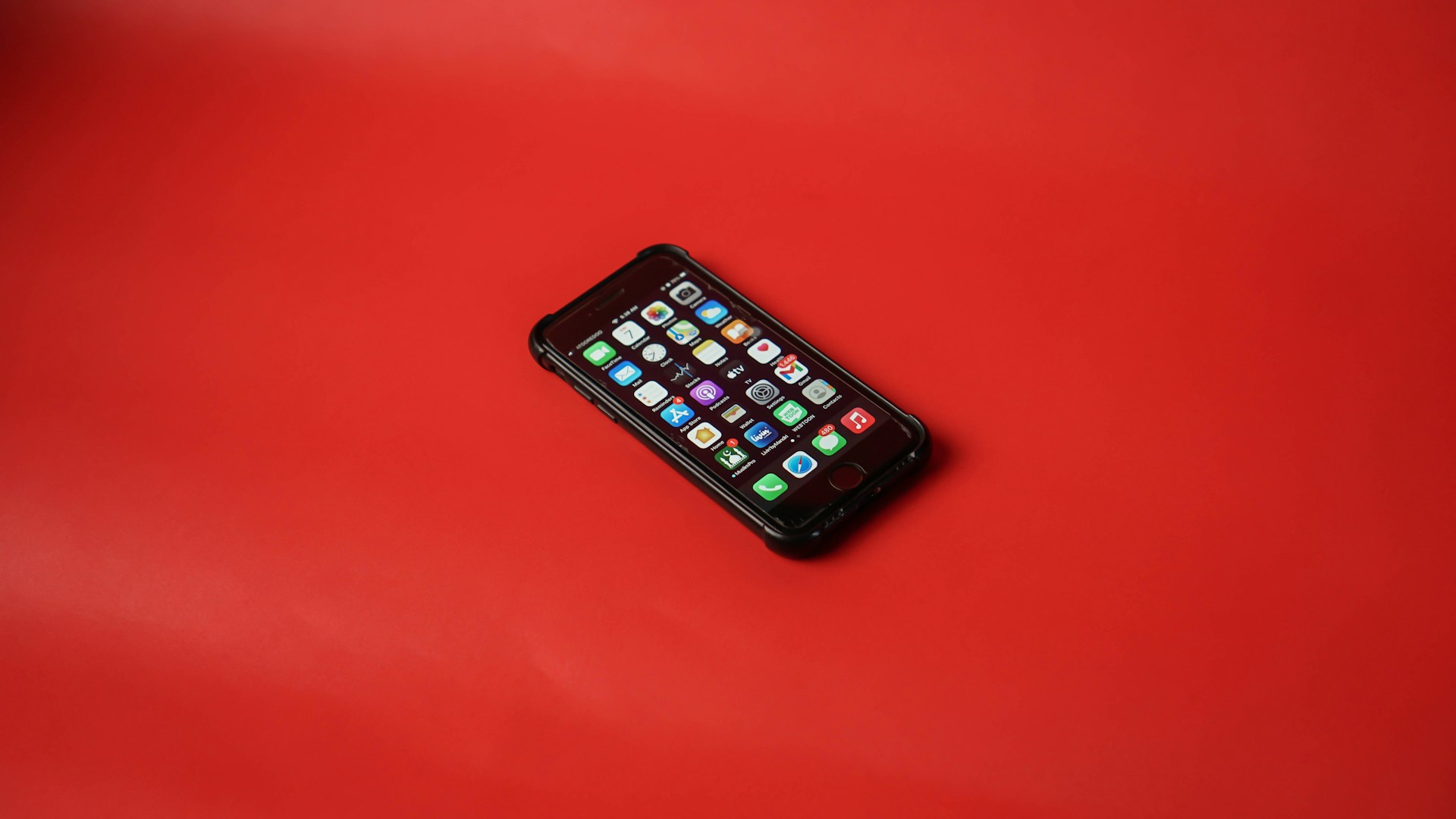
Step 2: Put the app on your home screen. The moment you pick up your phone in the morning, it should be visible. One tap to open.
Step 3: Log before coffee. Before you check email, messages, or news. Before coffee. Before you get up. Do it in bed if you can.
Step 4: Make it a trigger habit. Anchor it to an existing morning routine. Log sleep after you silence your alarm. Or log sleep while waiting for coffee to brew. The more automatic the trigger, the more consistent you’ll be.
Step 5: Expect 3–5 days of friction, then it’s automatic. By day 5–7, logging becomes automatic. You’ll do it without thinking. Most people who stick with sleep logging report it becomes faster and easier over time.
How Pattern Discovery Works Without a Device
Here’s where manual logging becomes powerful: after 2–3 weeks of consistent logging, patterns emerge that no wearable can tell you.
The process:
Week 1: You’re just getting the habit down. Consistency matters more than accuracy. If you miss 1–2 days, don’t quit—just resume the next morning.
Week 2–3: You’ve got 10–15 data points. Look at your quality ratings. You’ll likely see a range: 4/10, 6/10, 8/10, 5/10, 7/10. Now cross-reference your habit logs.
- Night 1: Bedtime 11 PM, 1 coffee at 2 PM, no exercise → Quality 5/10 (woke at 3 AM)
- Night 2: Bedtime 11 PM, no coffee after noon, 20-min walk at 5 PM → Quality 8/10
Pattern emerging: Afternoon coffee = worse sleep. Exercise = better sleep.
Week 3–4: You have 20+ nights of data. Patterns solidify. You might notice:
- Alcohol always = 3 AM wake-up (every time)
- Exercise 4+ days/week = consistently 7–8/10 quality
- Screens within 1 hour of bed = harder fall asleep (longer time in bed before sleep)
- Stress days (even without other habit changes) = lower quality
Visual tracking amplifies this. A habit grid or heat map shows these patterns instantly. The science behind sleep visualisation explains why seeing weeks of data at once reveals what day-to-day memory completely obscures. You see the correlation graphically: column of green (high quality) nights all line up with exercise, and red (low quality) nights cluster around late caffeine or alcohol. You don’t have to do math or remember—you see the pattern.
Week 4+: You’re experimenting based on what you’ve learned. You cut afternoon coffee and consciously track whether your wake-up times change. You do 4 weeks of daily walks and measure the sleep quality shift. This is where sleep tracking becomes actionable.
Manual vs Wearable: Which Is Right for You?
Use manual logging if:
- You want to spot habit correlations quickly
- You don’t want to spend $200–300 on a device
- You want simplicity (no syncing, no battery dying, no software glitches)
- You’re willing to be disciplined about logging every morning
- You want to understand your specific patterns, not generic sleep stage estimates
Use a wearable if:
- You want automated sleep tracking (no daily logging)
- You care about granular sleep stage data (even if estimates are imperfect)
- You want additional metrics (heart rate, HRV, SpO2, activity)
- You already use a smartwatch and want the data consolidated there
- You’re willing to trade some subjective context for convenience
Use both if:
- You want the best of both worlds
- You manually log quality and habits and wear a device to catch gross fragmentation
- You compare the two: “Device says I slept 7 hours, but I woke twice and felt awful. Why?”
For most people focused solely on improving sleep quality and understanding their patterns, manual logging is sufficient and often more insightful than wearables alone. You can always add a wearable later if you want more data. But the foundation—daily logging and habit tracking—is the same.
Frequently Asked Questions
Can I really track sleep accurately without a wearable?
Yes. Manual logging captures what wearables miss: your subjective sleep quality experience. While wearables estimate sleep stages based on movement and heart rate, manual logs record how you actually felt—whether you felt rested, when you woke, quality rating. For spotting correlations between habits and sleep, subjective quality is often more useful than algorithmic estimates. Studies show manual logs are as reliable as wearables for identifying sleep patterns over time.
How do I know if a night of bad sleep was because of alcohol or stress?
By logging both your sleep and your habits. Track bedtime, wake time, quality rating, and 2–3 habits you suspect matter (e.g., alcohol, exercise, caffeine, stress level). After 2–3 weeks of logging, patterns emerge. You’ll see “every night I drink wine, I wake at 3 AM” or “days without exercise, sleep quality drops.” The visual habit grid makes these correlations obvious. This is harder to do with wearables because they don’t ask you about your habits—you have to guess from the data.
What if I don’t remember when I woke up during the night?
That’s normal. If you don’t remember, don’t guess. Just log bedtime, wake time, and overall quality. Over time, you’ll notice patterns in your quality ratings that correlate with habits, even without exact wake times. If you consistently give a “5/10” quality, but you don’t remember waking, it could be fragmentation you’re not consciously aware of, or it could be something else (low REM, stress, environment). Log consistently and the pattern will clarify.
How long should I track before I see patterns?
2–3 weeks minimum. Most people see clear correlations by week 3–4. If you track for 2 weeks and don’t see obvious patterns, either your habits aren’t as impactful as you thought (worth knowing), or you need to track different habits. Consistency in logging matters more than volume—14 days of faithful logs beats 30 days of sporadic entries.
Should I use a manual log or an app?
An app is faster and automatically displays patterns (heat maps, grids, stats). A notebook is fine if you’re disciplined, but it’s slower and you have to manually spot patterns. For most people, a simple app (ideally with visual habit tracking) is worth it. The speed reduces friction, so you’re more likely to stick with it.
Can manual logging help me identify sleep apnea or other sleep disorders?
Not directly. Manual logging will show you that your sleep quality is consistently poor despite good habits, or that you’re waking frequently without knowing why. That’s a signal to see a sleep doctor. A sleep study (polysomnography or home sleep apnea test) is the actual diagnostic tool. But your sleep log is useful data to bring to the doctor and can help narrow down what to test for.
Start logging tomorrow morning. Bedtime, wake time, quality rating. No app, no device needed—just three numbers. After 3 weeks, you’ll know more about your sleep than you ever will from a wearable estimate.
For a faster, visual experience, use an app like SleepGrids that’s built for this exact workflow: 10-second logging, habit tracking, and automatic pattern detection via visual grids. Download it on the App Store.